Start with one module. Stack the next when you need it.

Adding capacity usually means a new machine and a fresh start: new floor plan, new automation, new integration project. The Unicorn 5-200 Modular is designed so the first machine you install is still in production when you run several, in a cluster with shared automation and logistics.

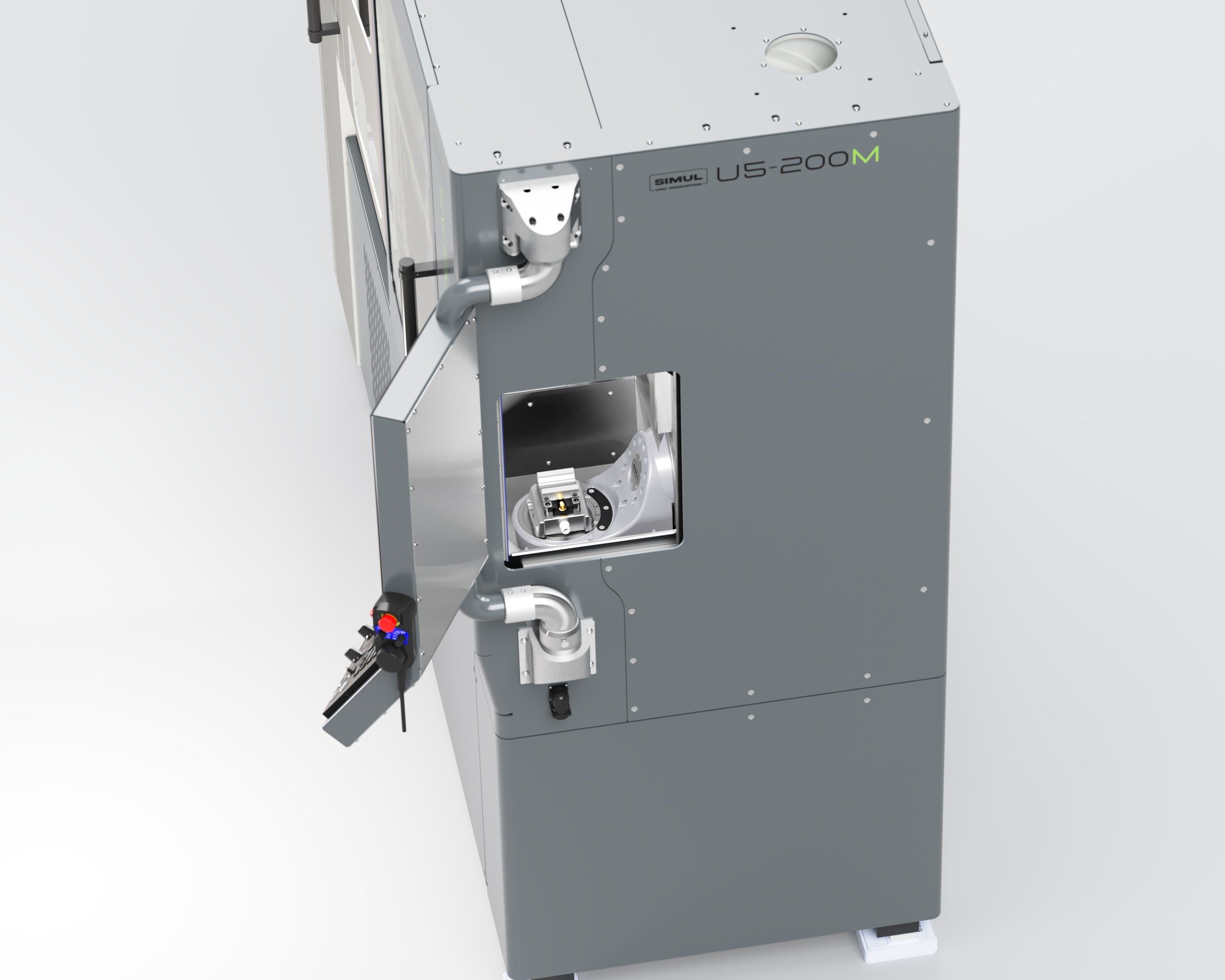
The robot side of the Unicorn 5-200 Modular with the automation door

Add the robot cell later

Every Unicorn 5-200 Modular is made ready for robot machine tending. When your volumes call for it, the robot cell is designed to dock to the machine you already run.

Automation door, standard

A CNC-controlled 410 × 308 mm door on every machine gives the robot its own way in, so the operator door stays free for people.

Control interfaces built in

The interfaces the robot cell connects to are built into every machine at the factory.

The cell docks to your machine

The FANUC LR Mate cell is designed to dock to a module already on your floor, and later to share handling across a cluster.

Add automation and capacity one stage at a time

Modules dock side by side and are designed to share what single machines duplicate: tool handling, pallet handling, and material flow. Capacity scales by adding modules, and nothing you own becomes obsolete on the way.

The robot cell for Stage 2 is in development, and the automation modules for Stages 3 and 4 are planned.

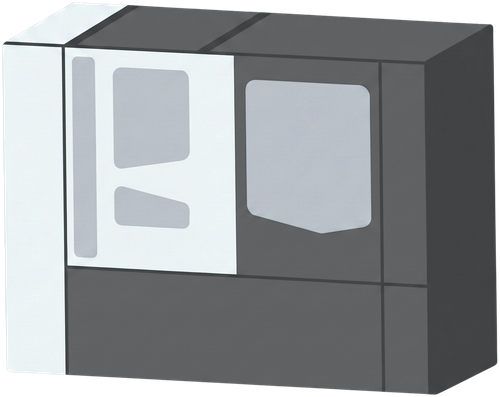
  1. One Unicorn 5-200 Modular machining module

    Stage 1: one module

    A complete 5-axis cell with flood coolant, 78+1 tool capacity, and a FANUC 31i-B5 Plus control. It earns like a normal machining center from day one.

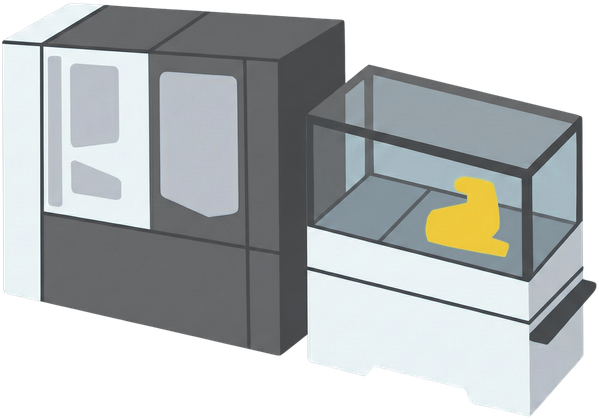
  2. A machining module with a robot cell

    Stage 2: add robot loading

    A FANUC LR Mate cell is designed to dock to the module through the 410 × 308 mm automation door and feed multi-cycle runs. How the cell works.

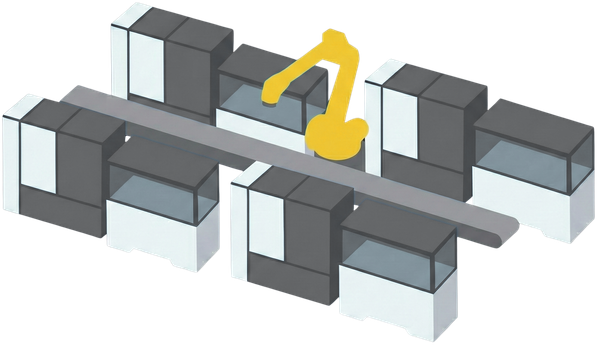
  3. A cluster of machining modules designed to share tool, pallet, and material handling

    Stage 3: share automation and logistics

    Modules are designed to line up and share tool, pallet, and material handling in one footprint, so one operator tends the cluster instead of walking between islands.

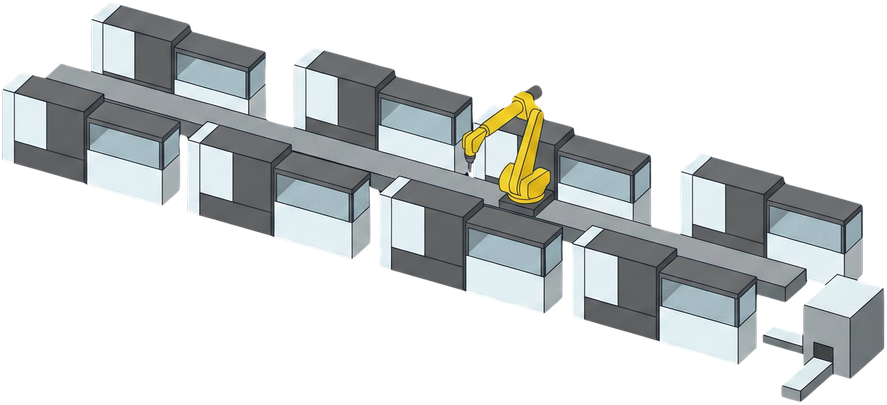
  4. A large cluster of machining modules designed to run lights-out

    Stage 4: a fully integrated cluster running lights-out

    The cluster is designed to run nights and weekends.

Built for the hours you are not there

A machining center earns nothing between 18:00 and 06:00 unless something keeps feeding it.

A dedicated 410 × 308 mm automation door, CNC-controlled and standard on every machine, gives the robot its own way into the work area, so the operator door stays free for people. Workholding is machine-controlled: an optional hydraulic feed-through machine table carries an AMF 6204IHA K10.2 zero-point interface, and an optional zero-point vise pallet with a Spreitzer HZS 120-60 A hydraulic centric vise gives the robot a gripping interface. An optional automatic rear door lets the robot reach the tool magazine. With 78 tools in the magazine and one in the spindle, sister tools stand in when a tool wears, and the Renishaw NC4+ Blue F145 tool setter (optional) catches breakage between cycles.

The robot cell is quoted per configuration, because the gripper, the part storage, and the cycle logic follow your parts. See how it is priced.

Automation interface
Automation door410 × 308 mmstandard
Rear door for the ATCCNC-controlledoption
Zero-point tableAMF 6204IHA K10.2option
Vise palletSpreitzer HZS 120-60 Aoption
Tool capacity78+1 tools
Tool setterRenishaw NC4+ Blue F145option
Robot cellFANUC LR Mateoption
Robot payload14 kgincl. gripper

The economics, stated as targets

50%

About 50% less floor space than eight standalone machines with individual automation.

2x

About 2x output density per square meter of shop floor.

40%

About 40% less capital for the same eight-machine production scale.

6 to 8

6 to 8 machines tended per operator, enabled by shared automated systems and line control.

These figures are calculated design targets from SIMUL's engineering models of an eight-machine production scale.

Robot cell and automation FAQ

Can I add the robot cell later?
Yes. The FANUC LR Mate robot cell is designed to be added later: every Unicorn 5-200 Modular ships with the automation door and control interfaces built in, ready for the cell to dock to a module already on your floor. The cell is quoted per configuration, whether you order it with the machine or add it later.
What workpieces can the robot cell load?
The FANUC LR Mate robot cell is designed for workpieces held in a vise on a zero-point pallet or in fixtures on a zero-point machine table, both machine options. The robot lifts up to 14 kg, gripper included. The gripper, the part storage, and the workholding are matched to your parts in the quote.
What robot is it?
A long-arm FANUC LR Mate with a 14 kg payload, integrated and programmed by SIMUL.
What makes the Unicorn 5-200 Modular modular?
Each Unicorn 5-200 Modular is a complete 5-axis machining center. Modules dock side by side and are designed to share tool handling, pallet handling, and material flow, so capacity scales by adding modules, and nothing you own becomes obsolete on the way.
How far does it stack?
The size of a Unicorn 5-200 Modular cluster depends on the application: SIMUL calculates it case by case from the exact module stack, the part quantities and mix, and the runtime per part.

Thinking about automation?

Get a cell configuration, a price, and the current lead time, or talk it through with the people who design and build it.